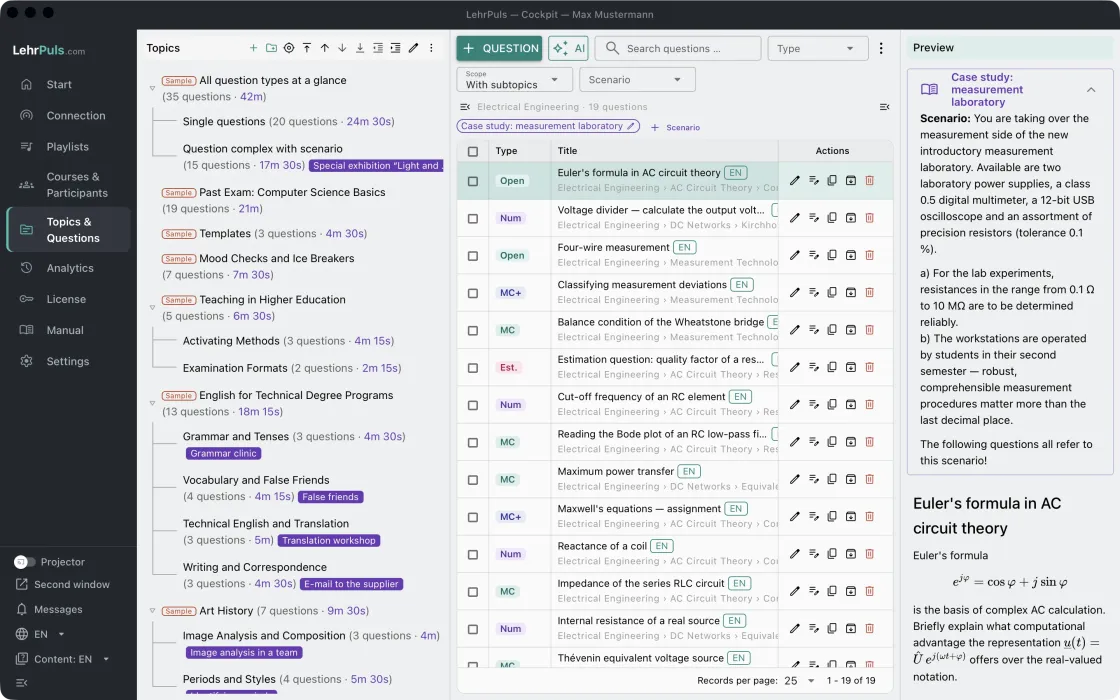
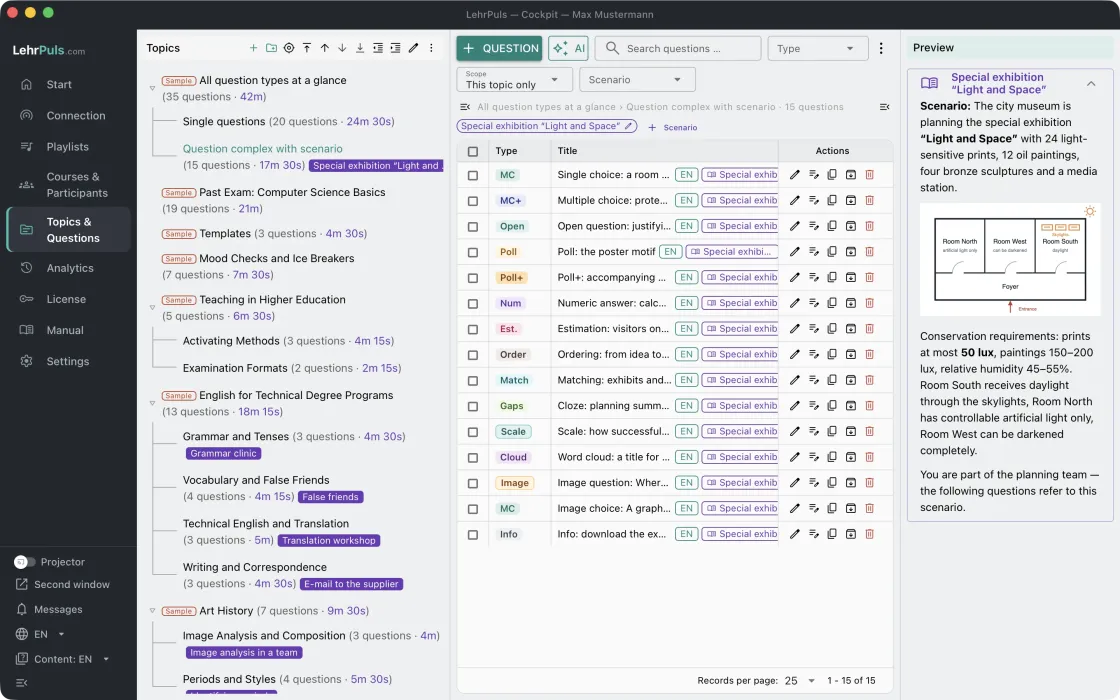
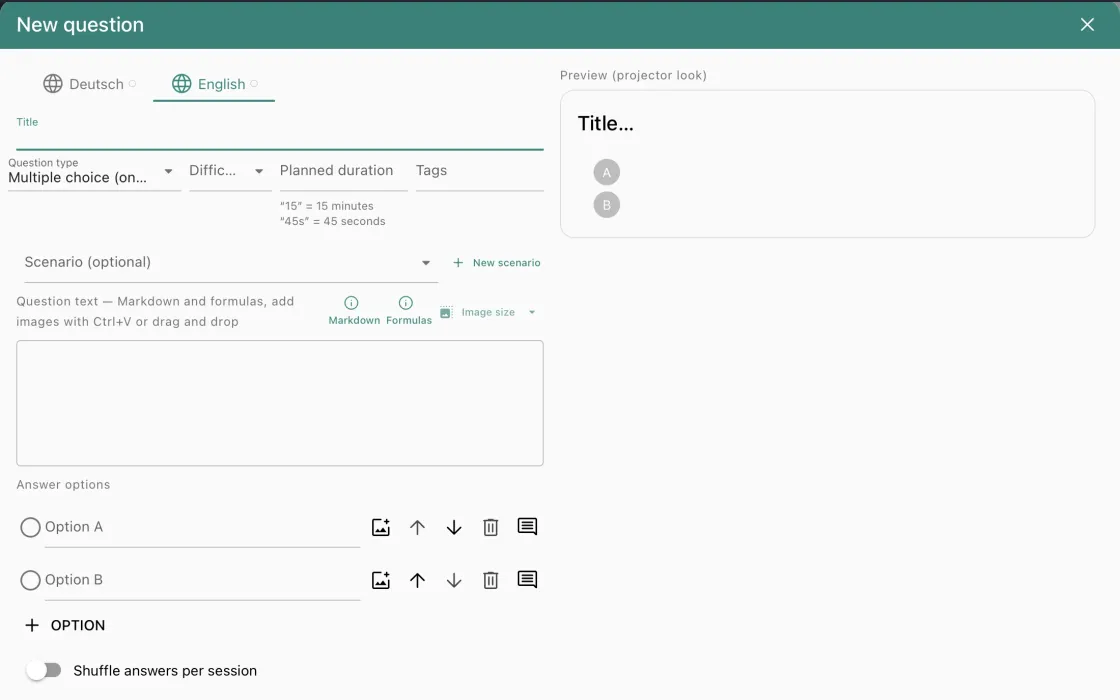
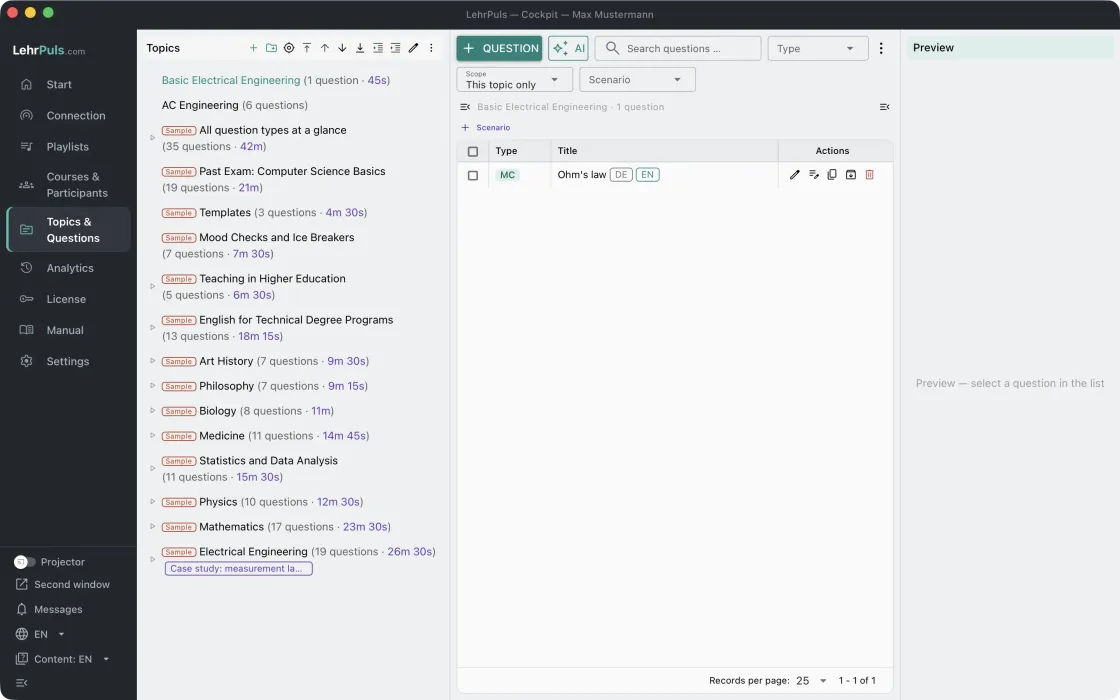
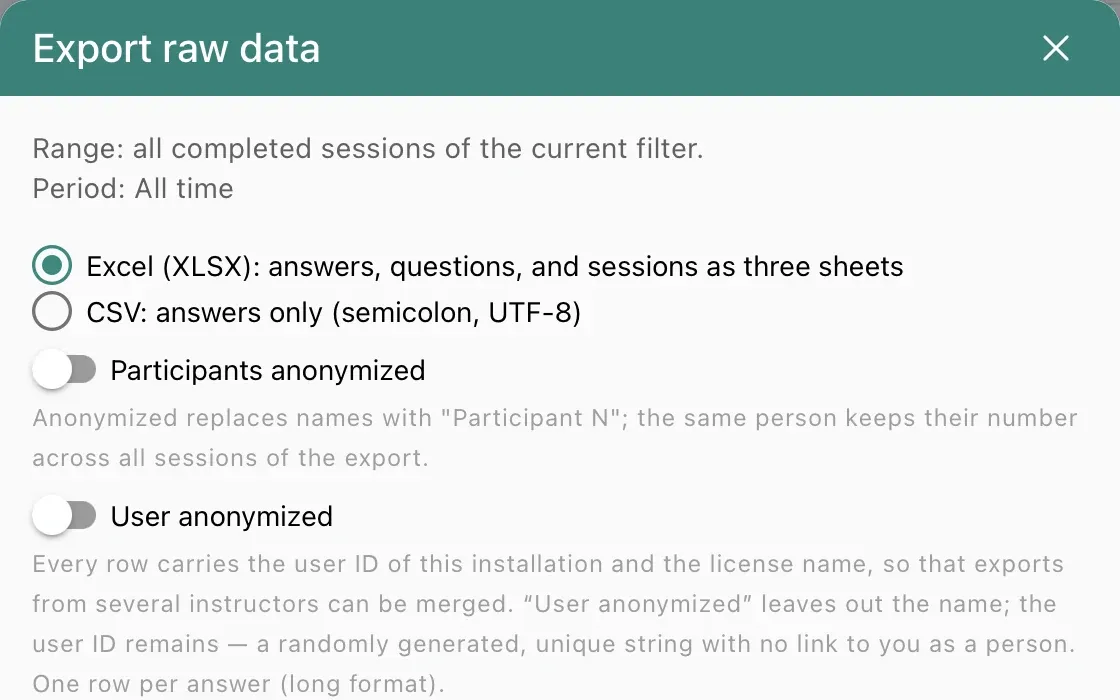
Topics & questions
- Nineteen question types, from multiple choice to idea wall and formula
- Markdown, LaTeX formulas, and images
- Import from Moodle, Excel, and AI services; checked as you write
Live polling in the lecture hall — local, no cloud.
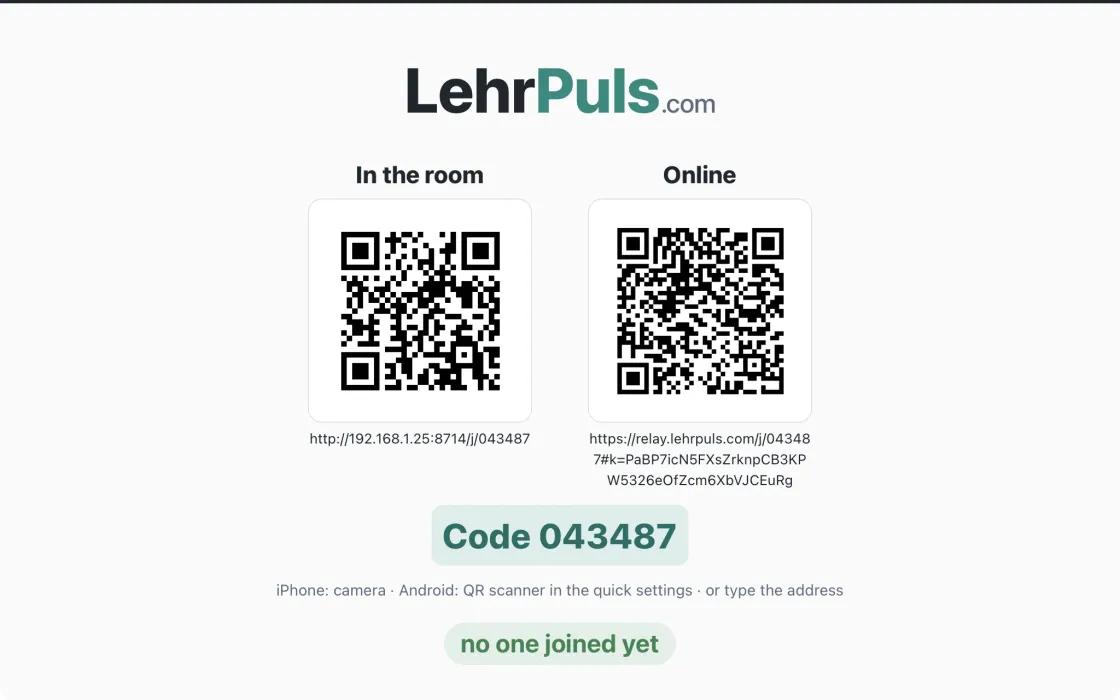
← hollomey.com DeutschLehrPuls runs on your own computer. Participants connect over the lecture hall’s Wi-Fi — the QR code on the projector carries the address. There are no accounts, nothing to install on the students’ devices, and no cloud service.
Version 1.16.0 · 23 MB · 64-bit
Windows 10 or later · installs without administrator rights
LehrPuls_1.16.0_x64-setup.exe. If Windows reports
“This app can’t run on your PC”, the download is incomplete
(Firefox sometimes holds back rarely downloaded files); allow it in the download list —
the complete file is about 23 MB.The Windows version is signed with a publisher certificate. The SmartScreen notice may still appear for a new version as long as Windows has rarely seen it.
For all users: LehrPuls_1.16.0_x64-setup.exe /S /AllUsers (administrator rights);
for the signed-in user only: /S /CurrentUser. Each person enters their own license;
data is stored per user. The data folder and the relay address can be preset by environment
variable (LEHRPULS_DATA_DIR, LEHRPULS_RELAY_URL,
manual section 11.4).
SHA-256: 6fd16ff07df535ed1ce83ea14795a7b41c3831eeacc37431ae6a505837d36db7
Verify in PowerShell: Get-FileHash LehrPuls_1.16.0_x64-setup.exe
Version 1.16.0 · 51 MB · Apple silicon and Intel
macOS 10.13 or later · notarized by Apple
LehrPuls_1.16.0_universal.dmg with a double-click.The app is signed with an Apple developer certificate and notarized by Apple, so no security warning appears on first launch.
SHA-256: f1c9265c8fd62d98a16940194be45dfa1cff45c009f7983b8e1aaf4af7cf5d63
Verify in Terminal: shasum -a 256 LehrPuls_1.16.0_universal.dmg
After the update, please update the samples: LehrPuls reports this on first start with “New samples available”. Your own courses, topics, questions, and playlists stay untouched.
Trial version. The download is fully usable with no time limit; up to six people can take part per session. For larger groups: Get a license.
| LehrPuls | Typical web services | |
|---|---|---|
| Where does the data live? | on your laptop, even without internet | on third-party servers |
| Accounts | none, neither for instructors nor for participants | at least for instructors |
| Cost | one-time purchase | annual subscription |
| Formulas and numeric questions | LaTeX, tolerance, units | rarely or not at all |
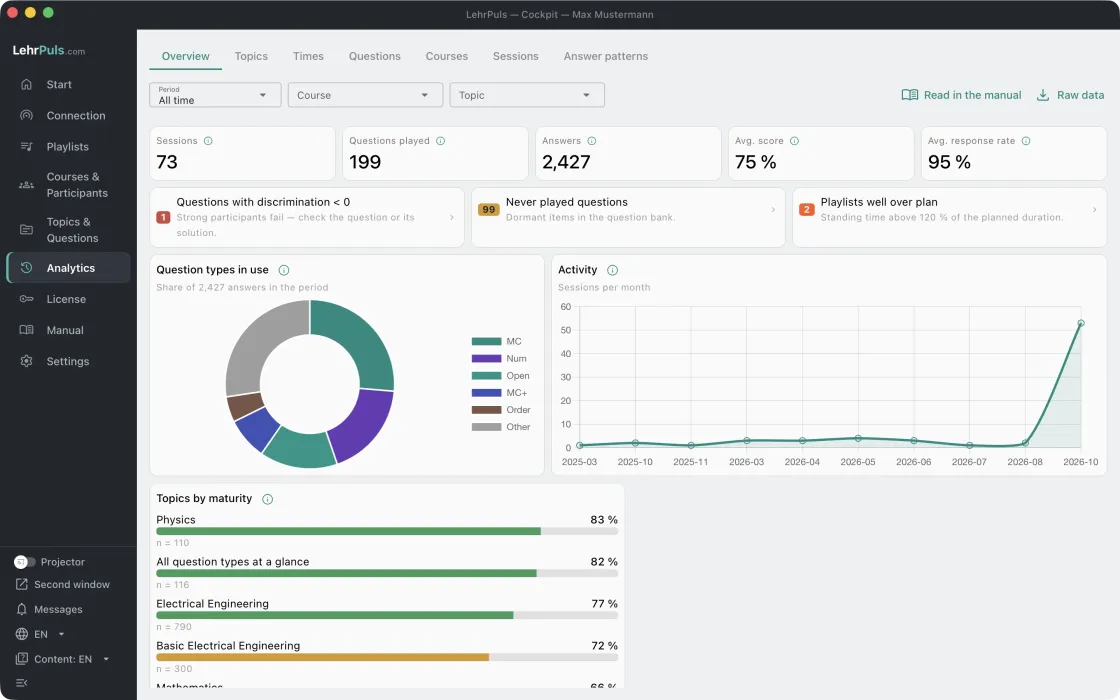
| Item analysis | difficulty, discrimination, times across semesters | distribution only |
A detailed comparison with individual providers will follow.
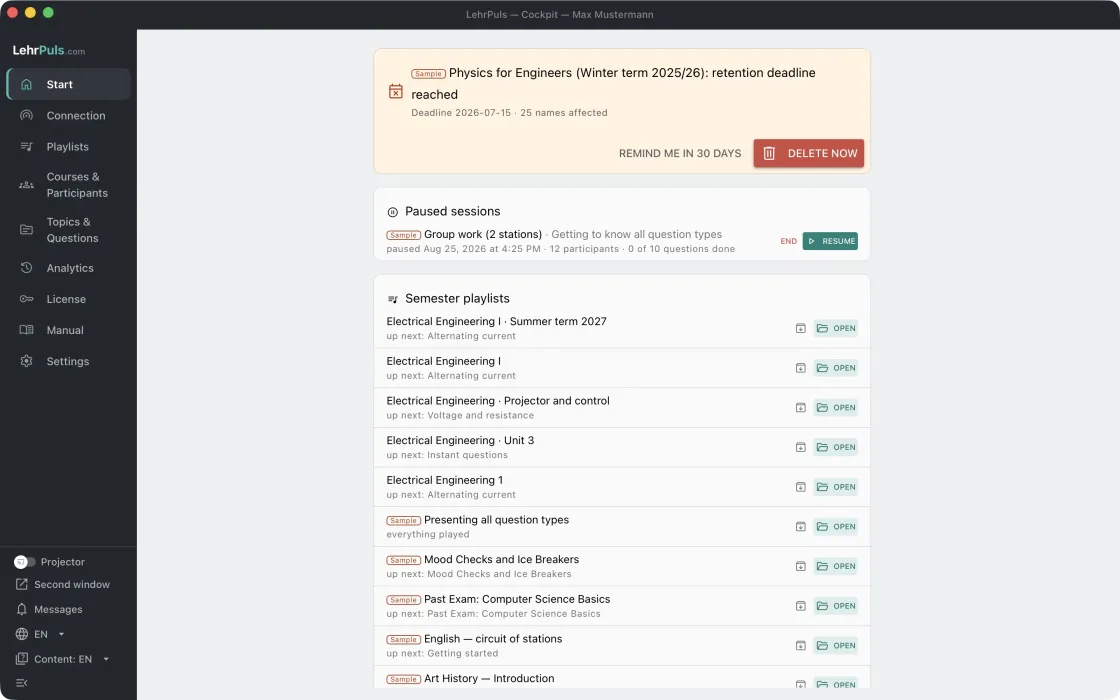
Every feature and question type as a sequence of screenshots from the real app — with markers and explanations, step by step or full screen. (Deutsch)
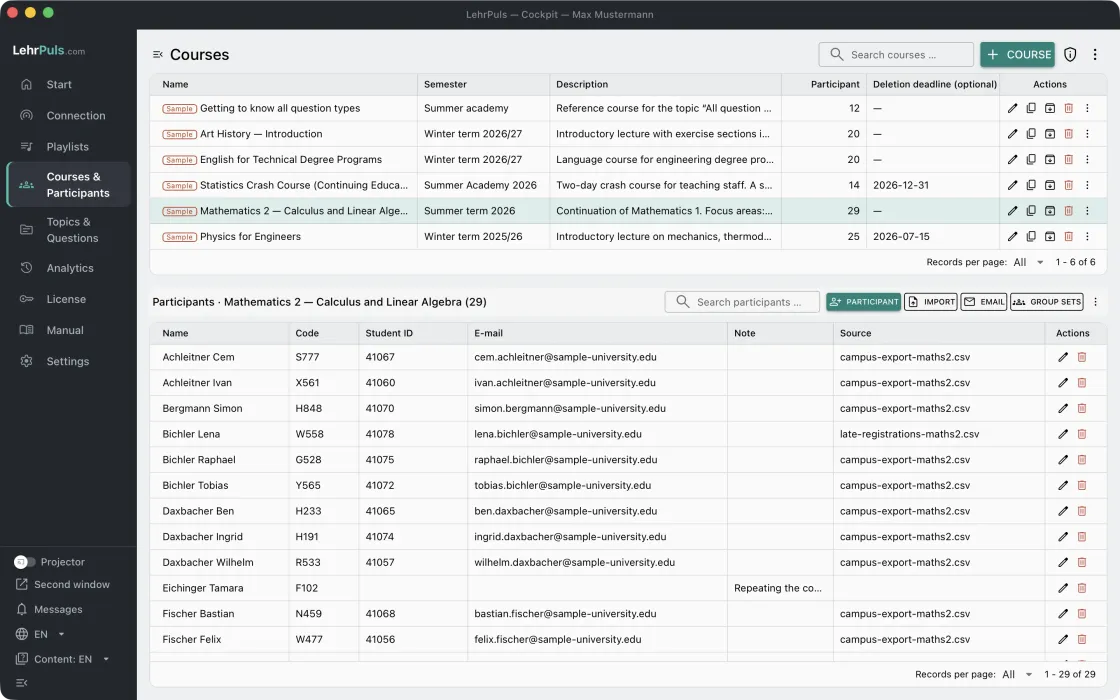 Courses and participants
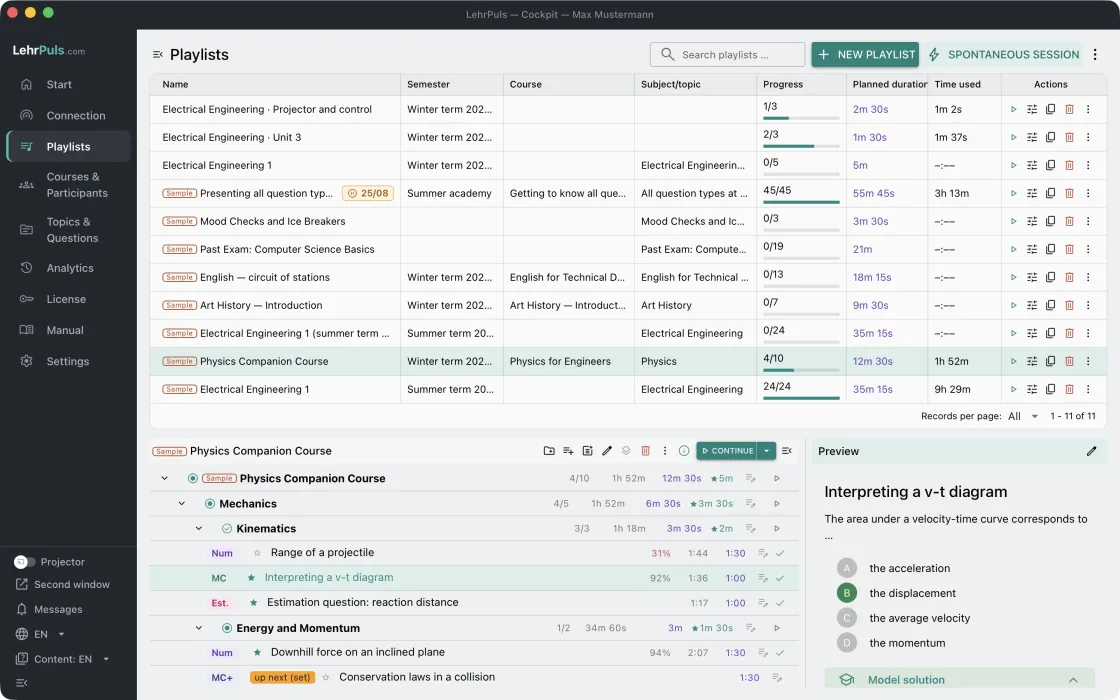 Playlists
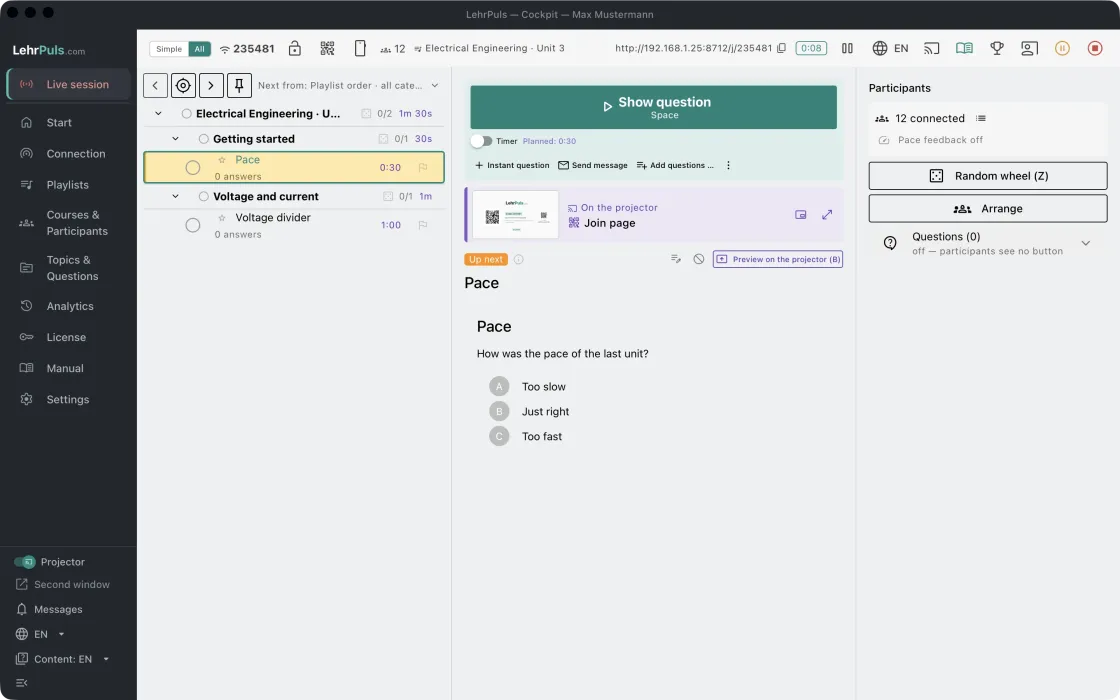 Running a session
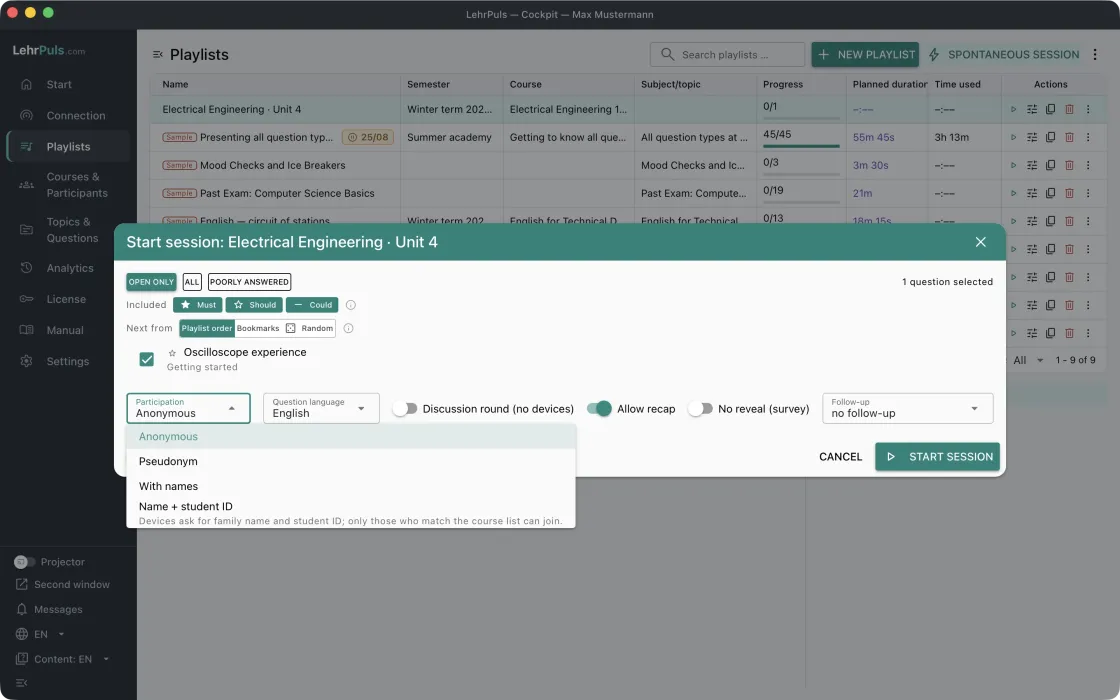 More tools during a session
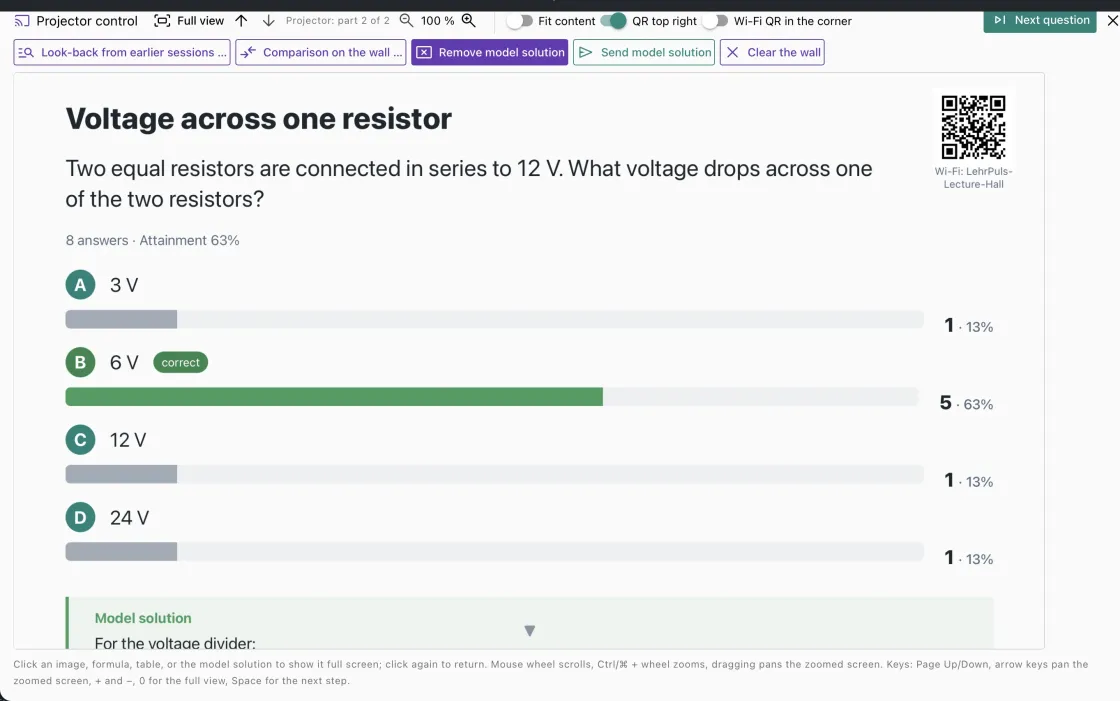 Projector, projector control and overlay
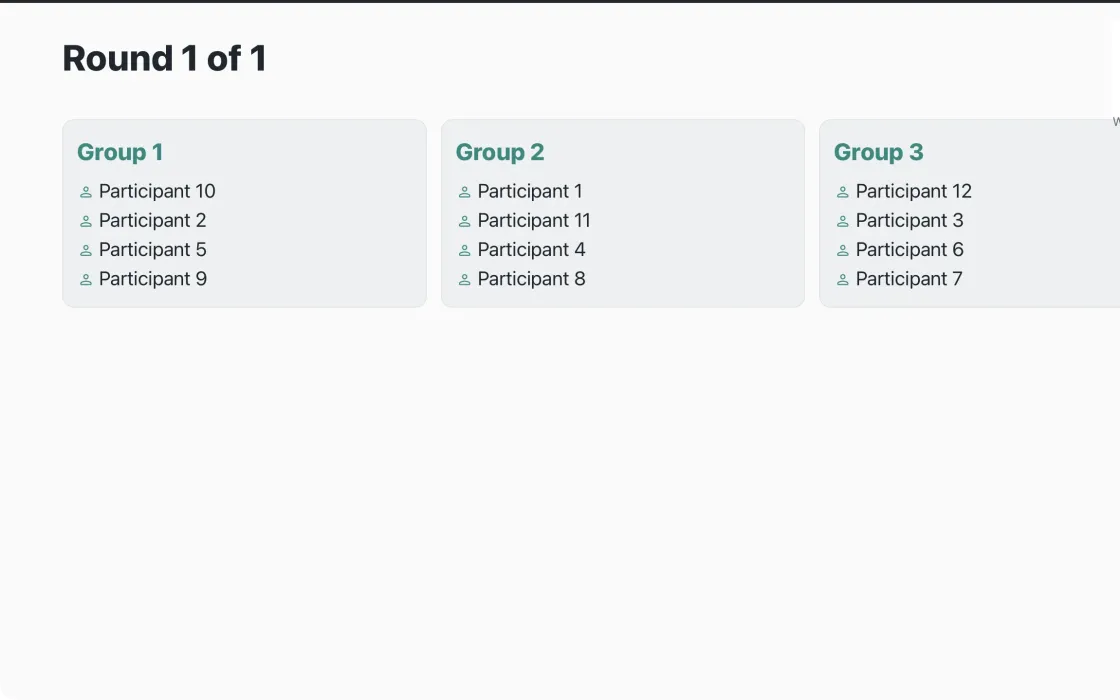 Group work
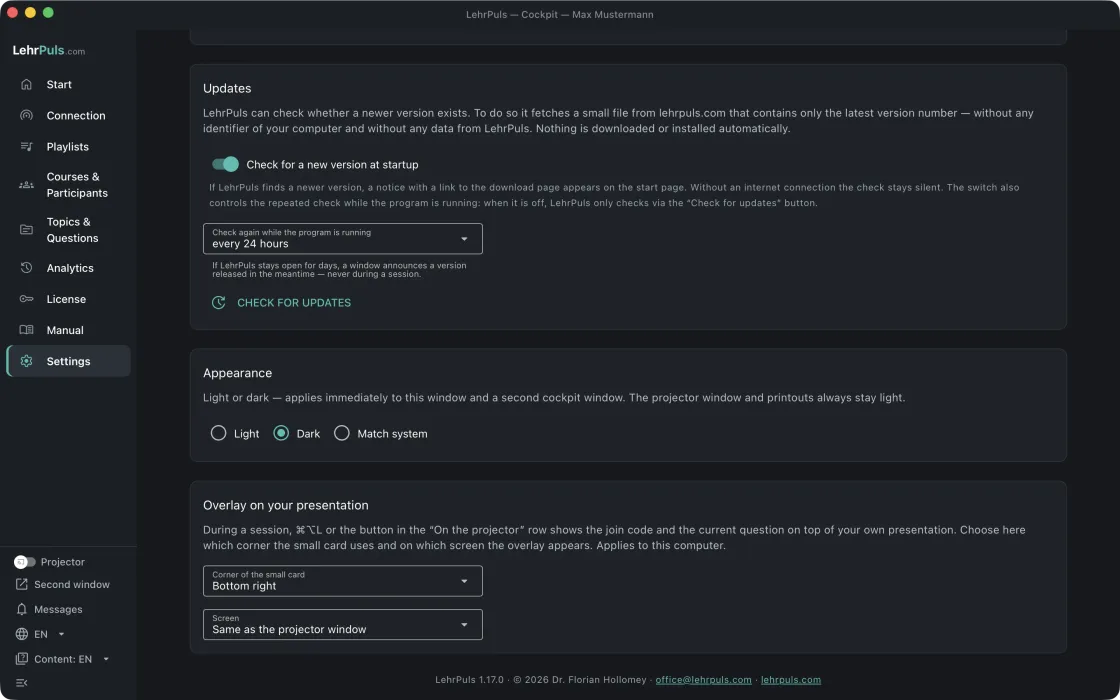
With the read-only interface, other programs fetch the results directly from LehrPuls — read-only, with a time-limited key, and anonymized by default. Turn it on under Settings → Read-only interface (manual section 10.9).
A page to save and open: enter the key, and it shows the answers of the last session per question — distribution, share correct, open answers. No other program needed.
A ready-made Power Query for the figures per question, per topic, and the participants’ scores. A report template with charts will follow.
A notebook with the same queries as pandas tables, ready to build on.