Guides
Step-by-step guides with pictures: how to create questions, what participants see, and what the reveal looks like on the projector and on the devices.
Getting set up
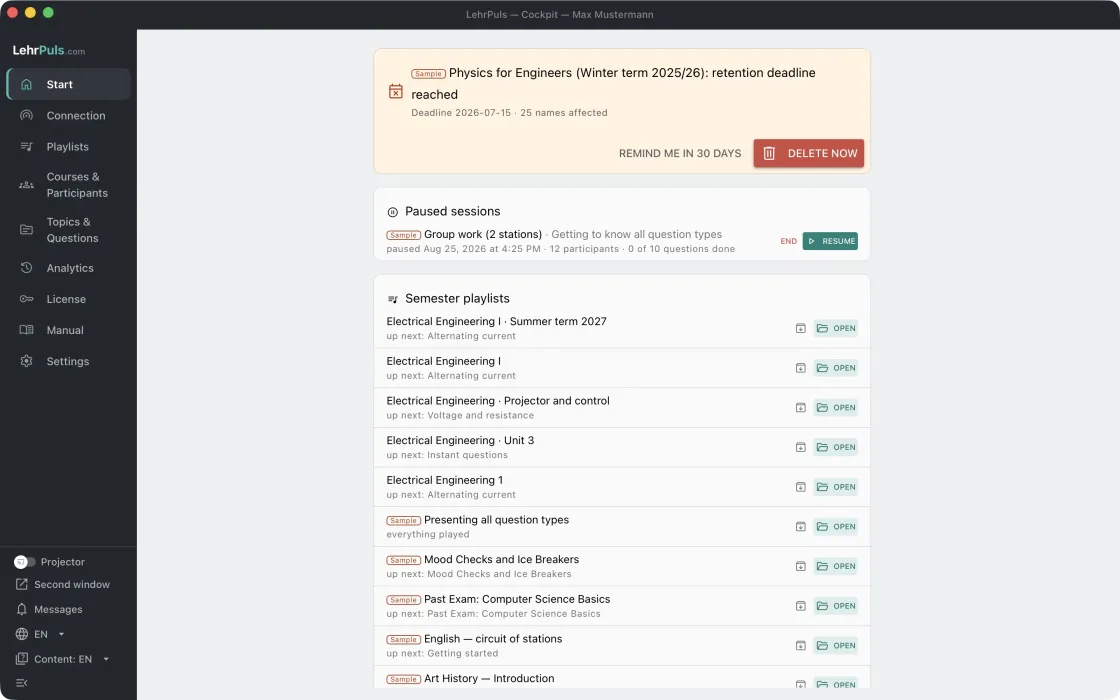
The start page
What the start page shows
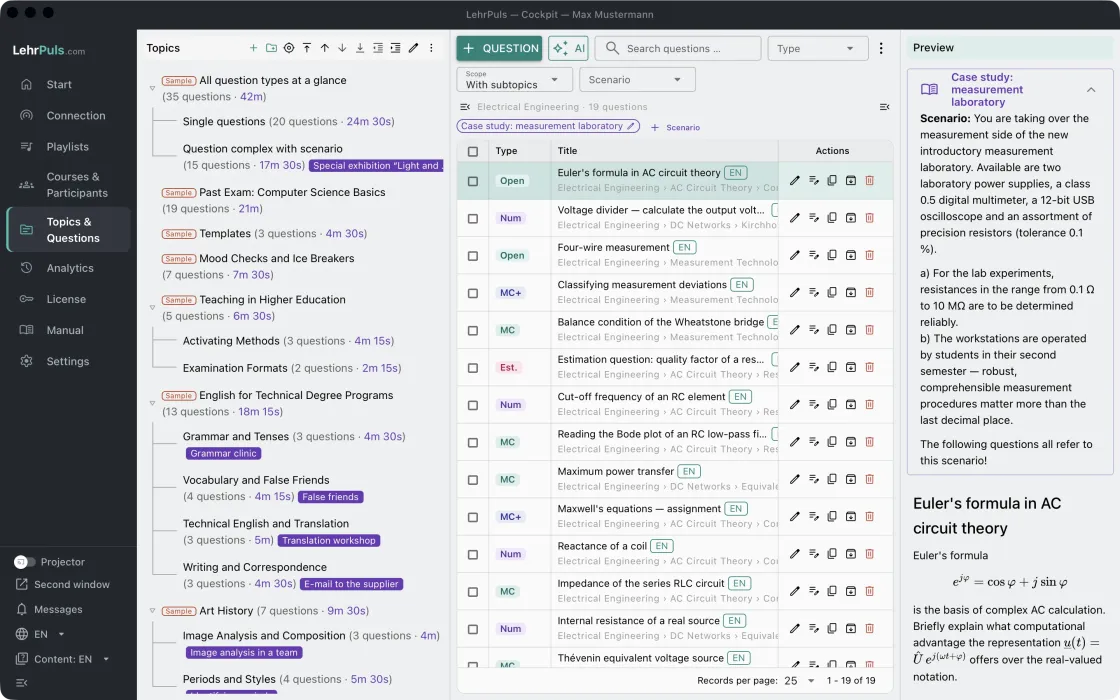
Using the cockpit
The layout of the window · Columns and tables · Keyboard shortcuts and help
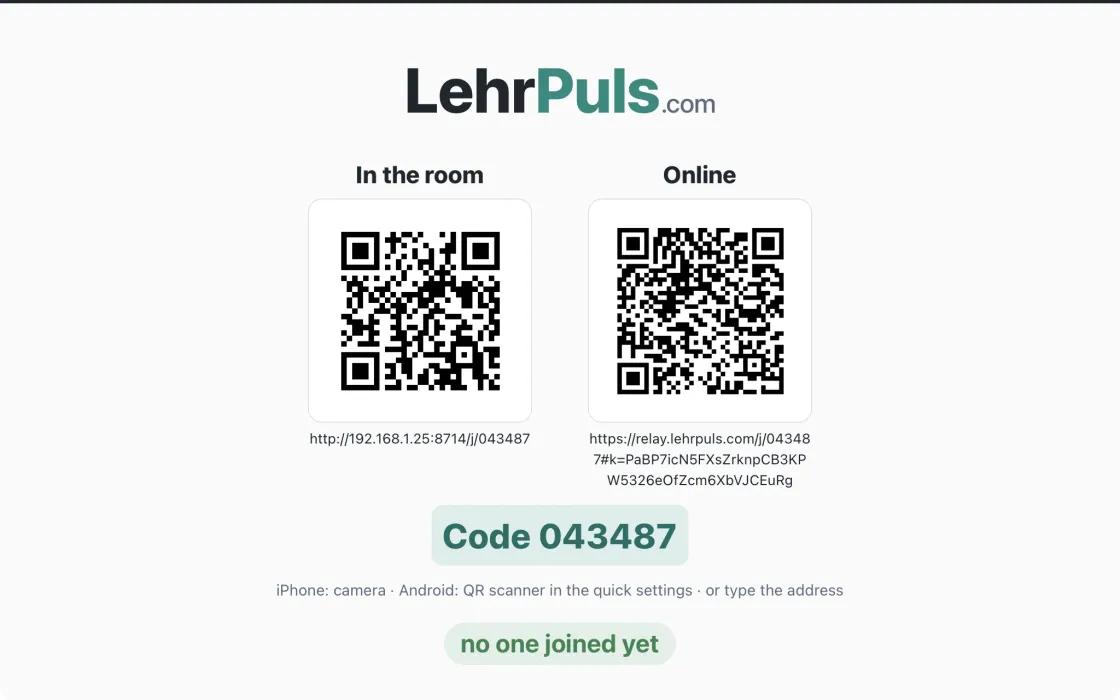
Setting up the connection
Choose and check the way
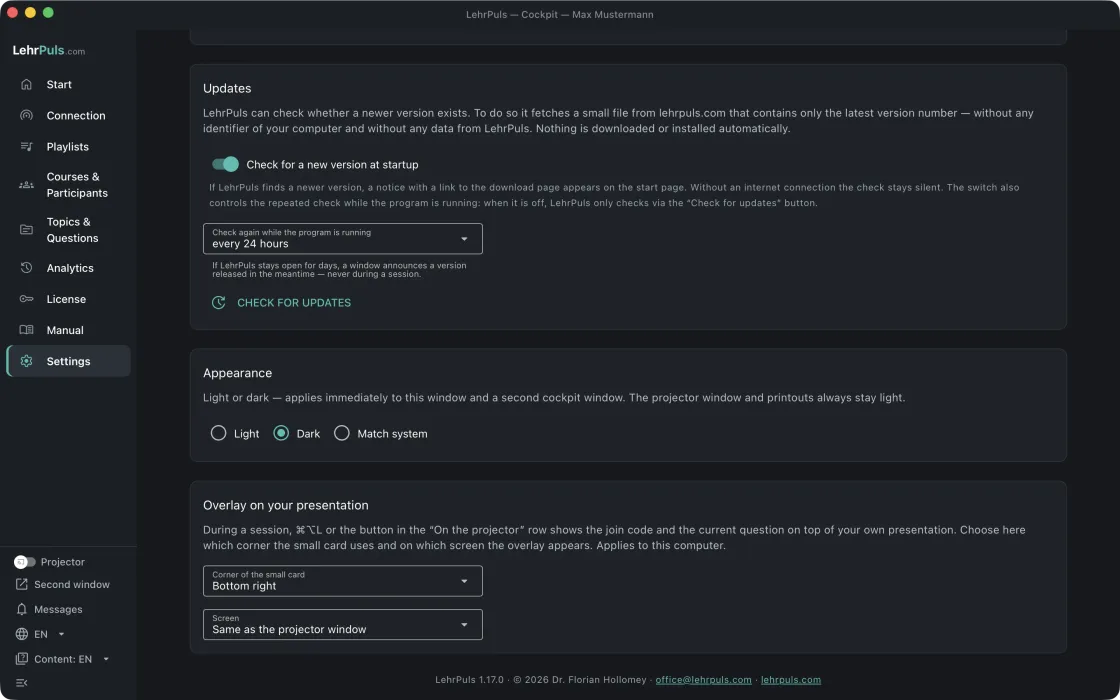
Settings, license and manual
Sidebar, license and manual · The settings
Creating questions
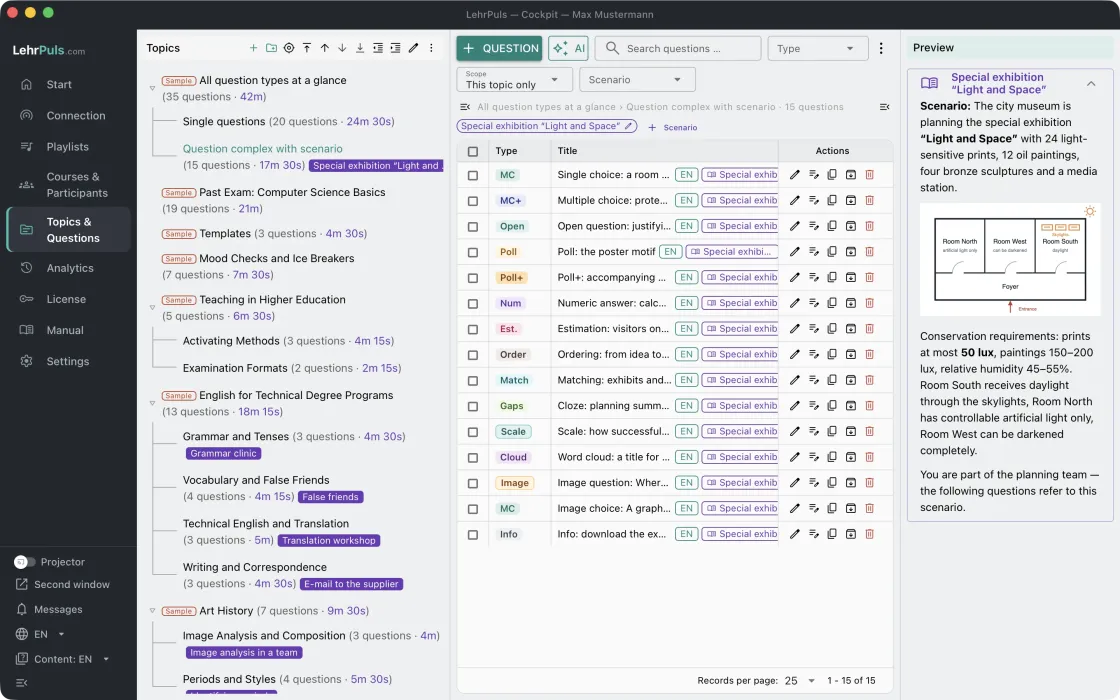
Topics and questions
Create and arrange topics · Take over questions
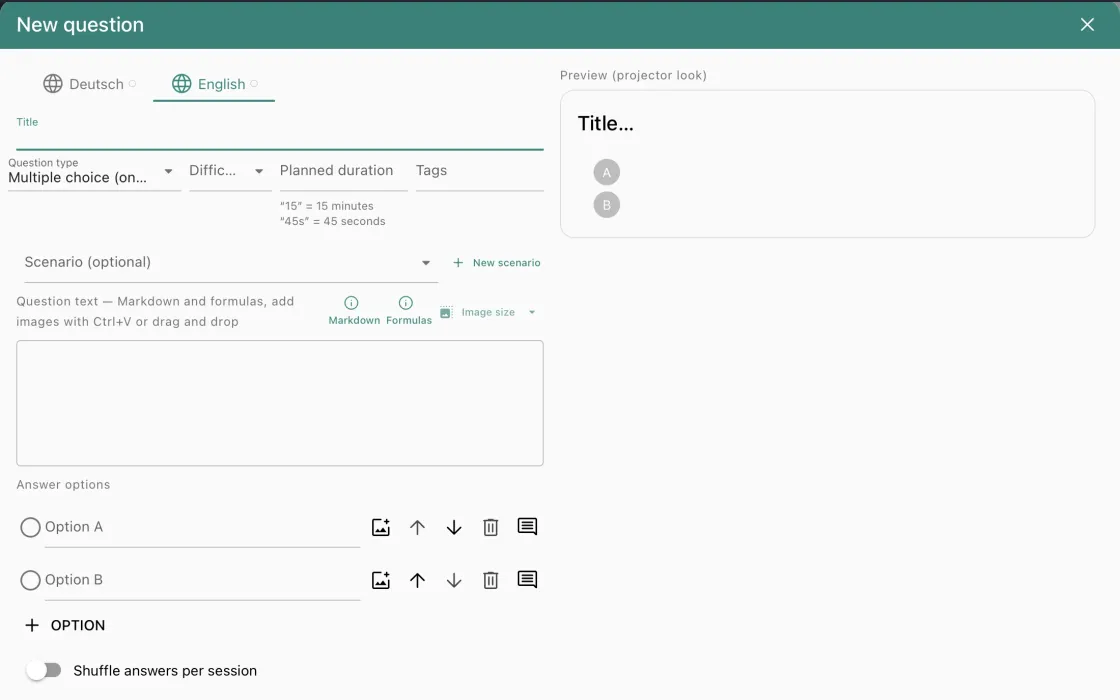
The question editor
All fields of the editor
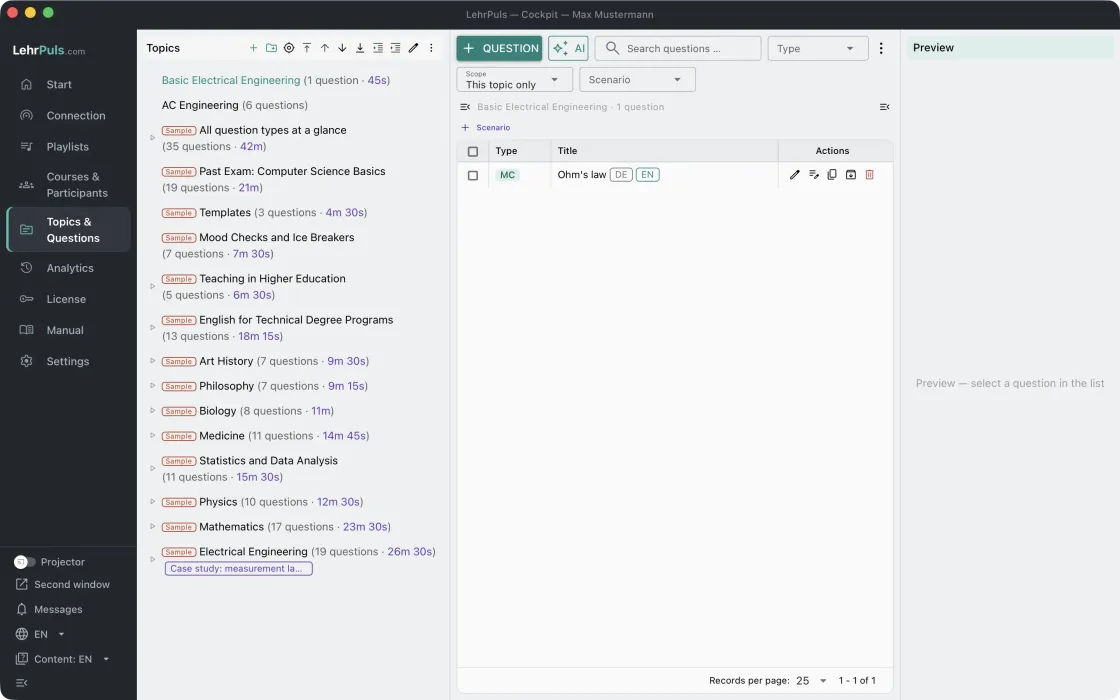
Creating questions with AI
A question collection on one topic · A course unit with playlist
The question types
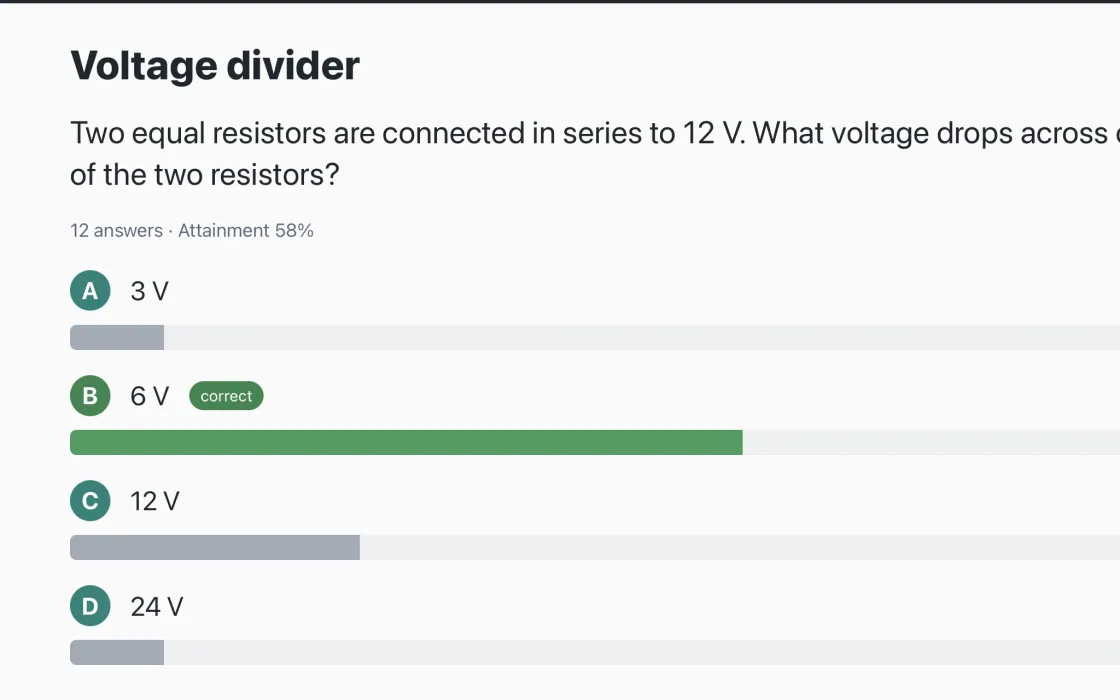
Multiple choice
One correct answer · Several correct answers · Image choice · Shuffle answers · Ask for confidence
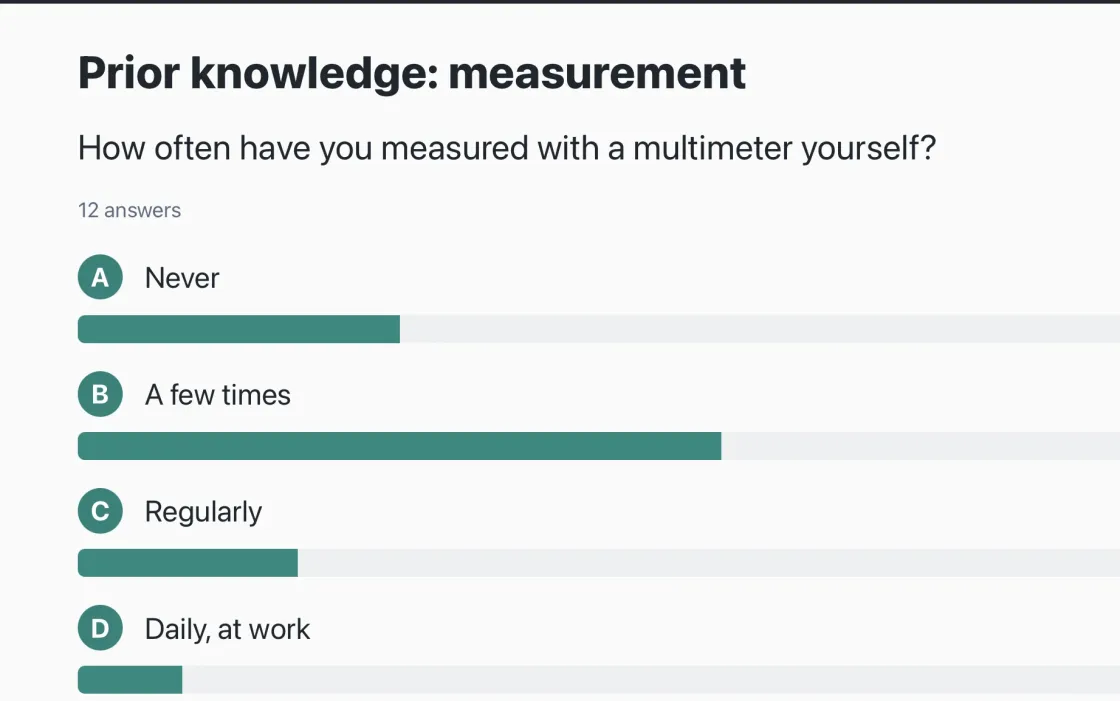
Poll
Poll (one choice) · Poll+ (several choices) · Free-text option “Other” · Result live on the wall
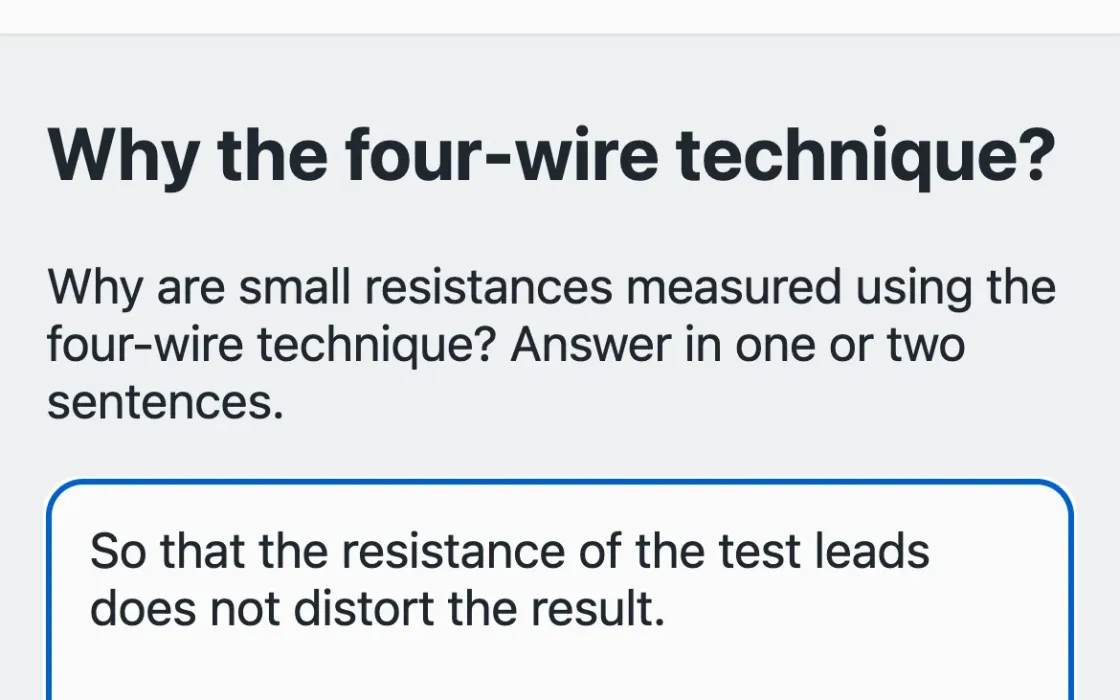
Open question
Free text · Accepted answers · Numbers only · Sketch · File or photo
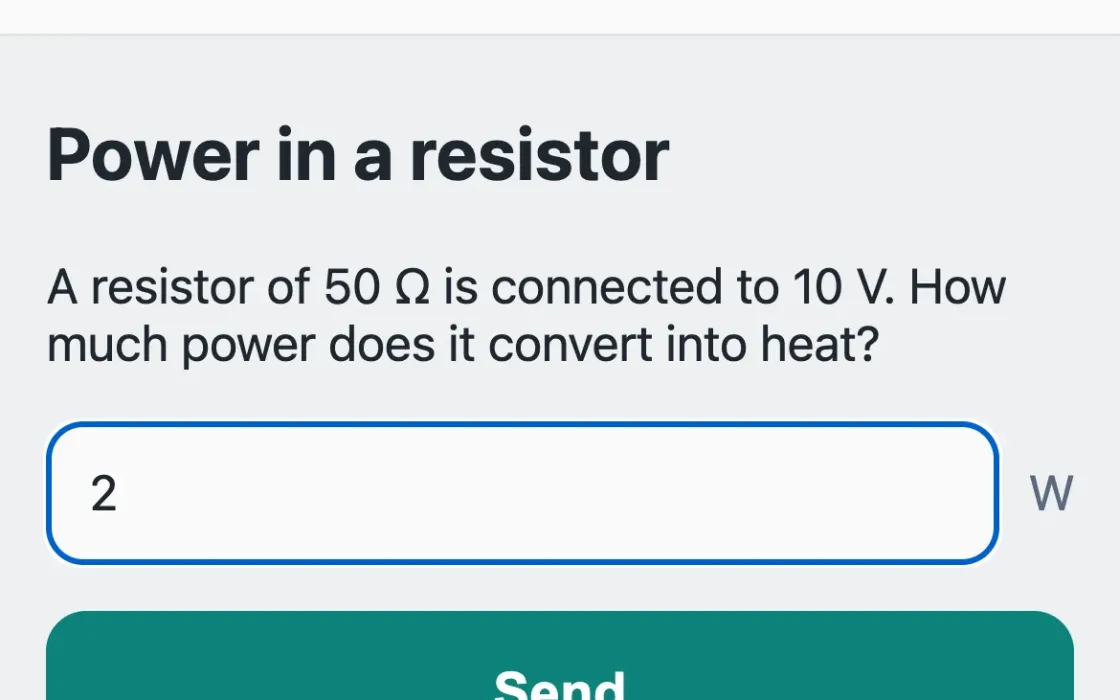
Numeric answer
With tolerance and unit
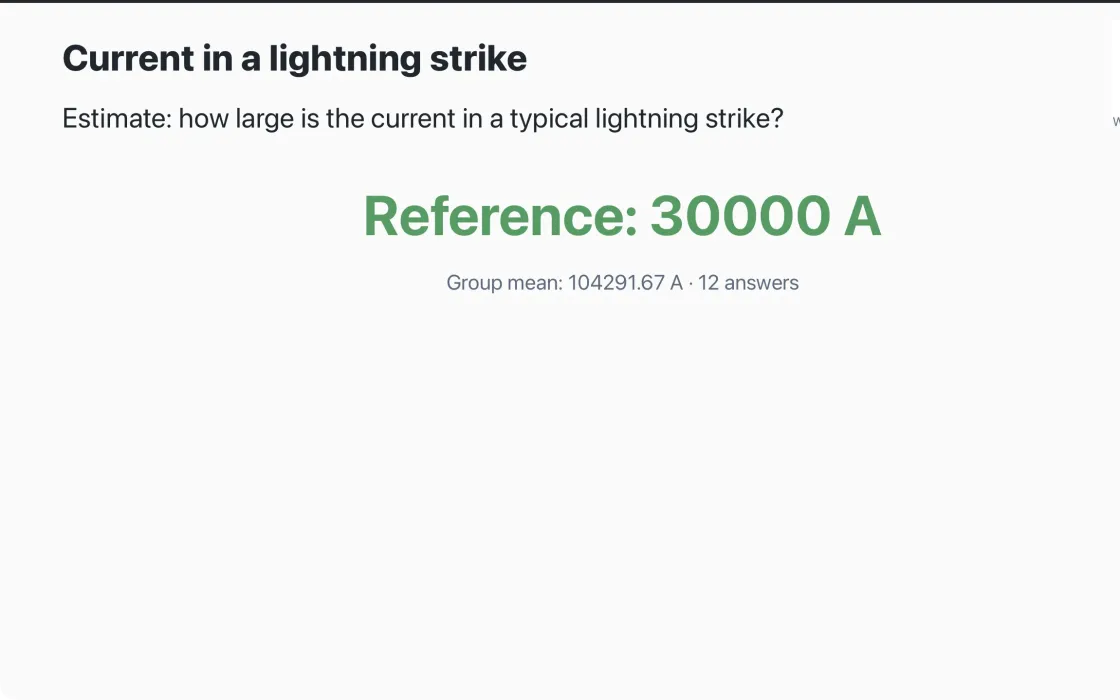
Estimate
With reference value
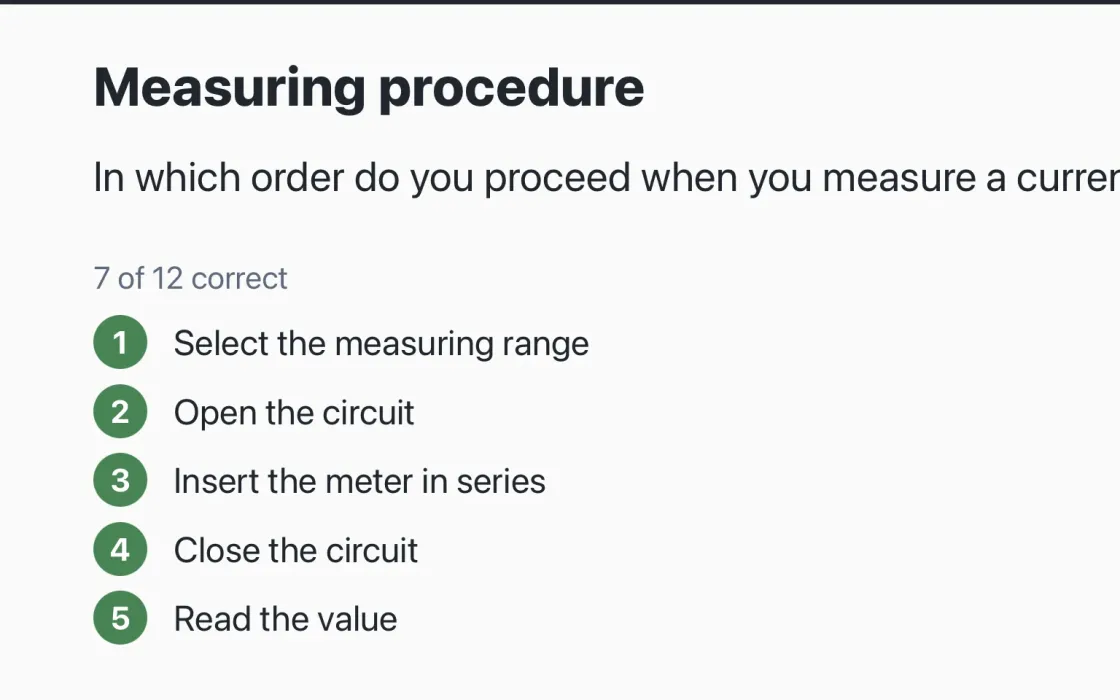
Ordering, ranking and point budget
Ordering · Ranking · Point budget
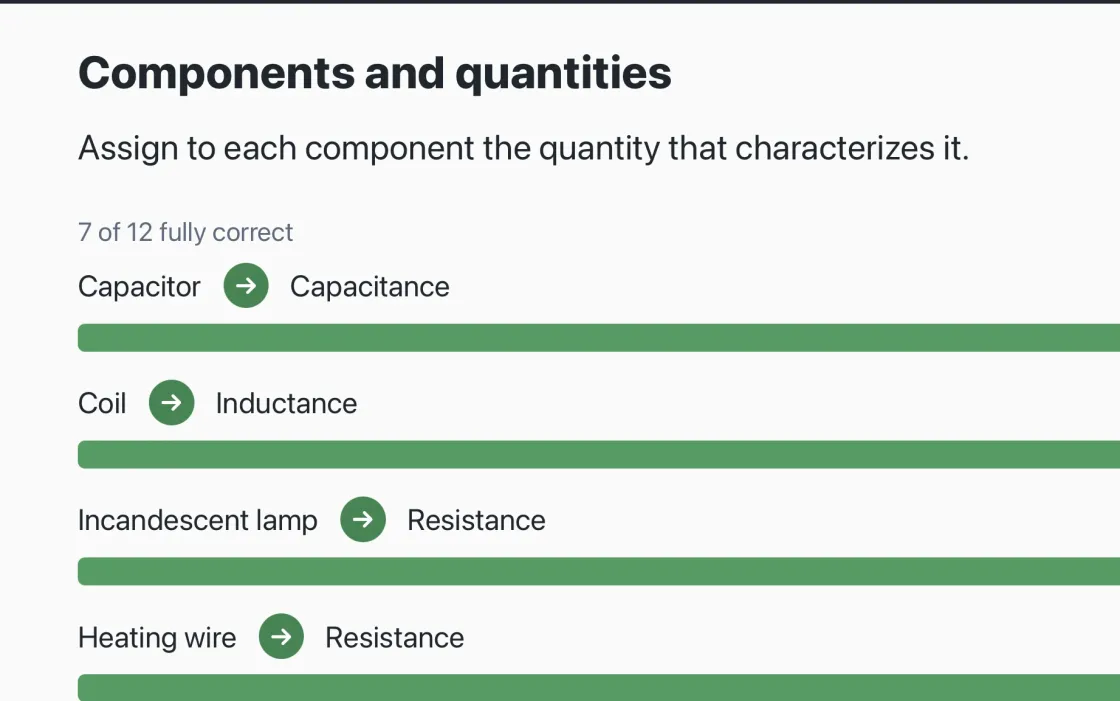
Matching
Matching terms · Images as categories · Labeling an image
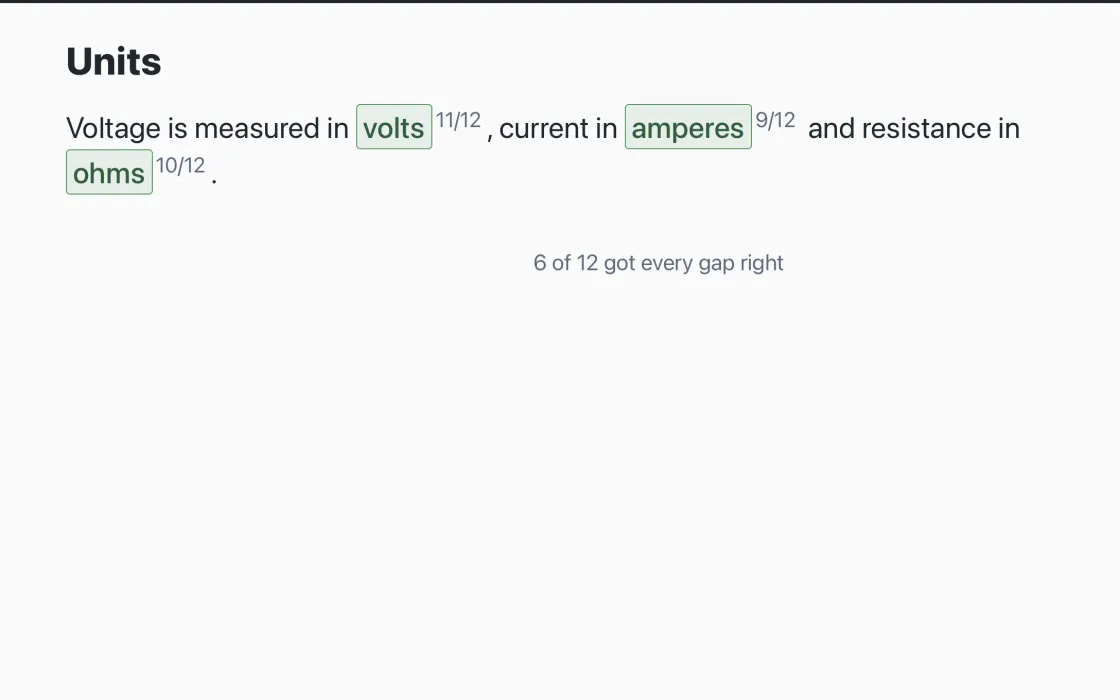
Fill-in-the-gaps
Input gaps · Choice gaps
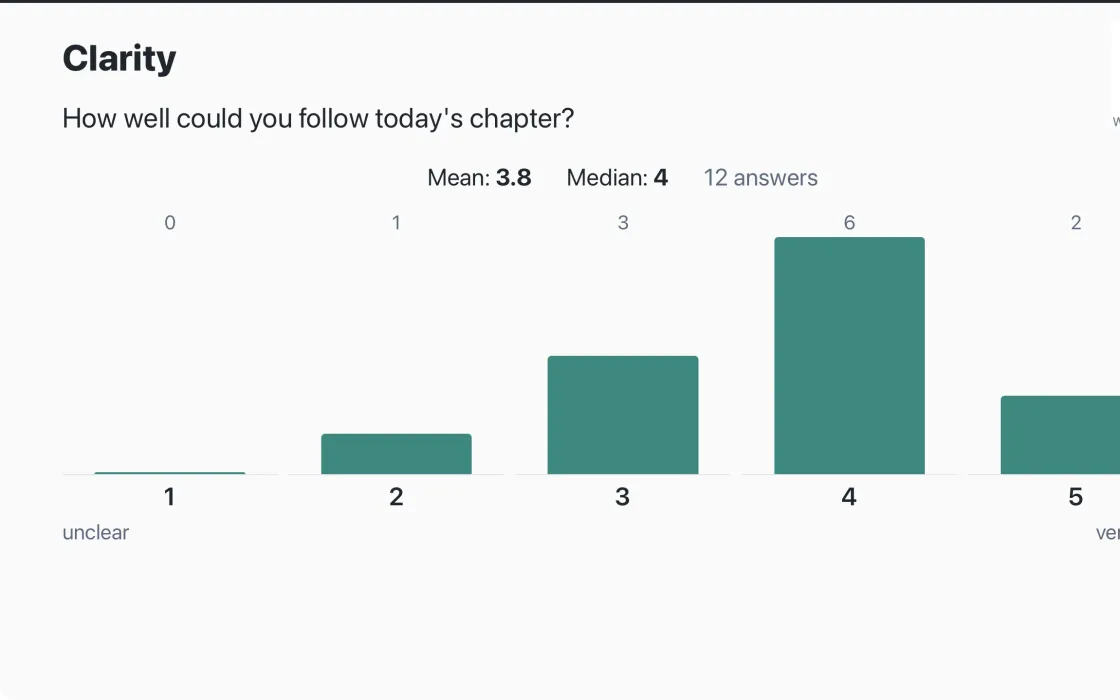
Scale
Scale with a template · Several statements
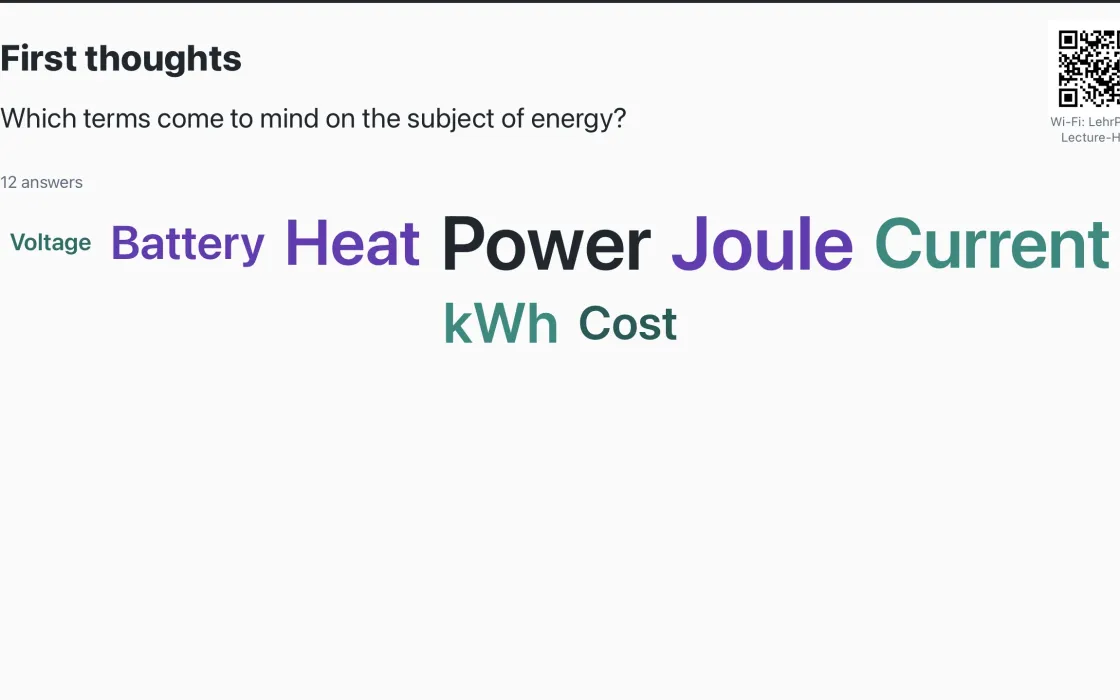
Word cloud
Word cloud
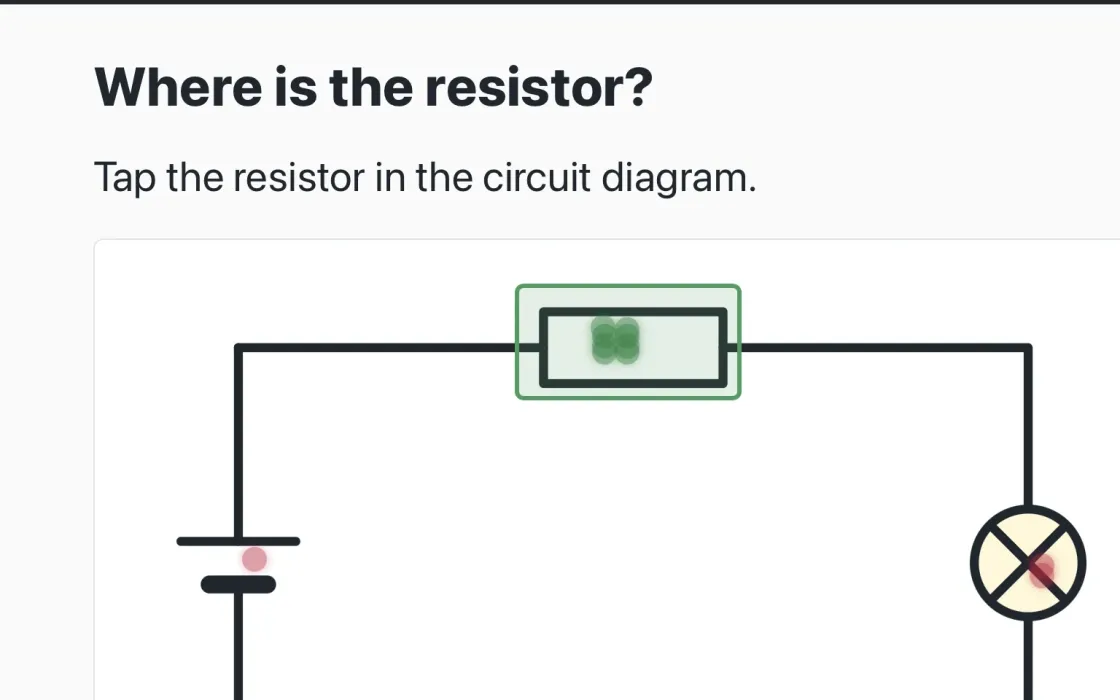
Image question
With target area (graded) · Without target area (opinion poll)
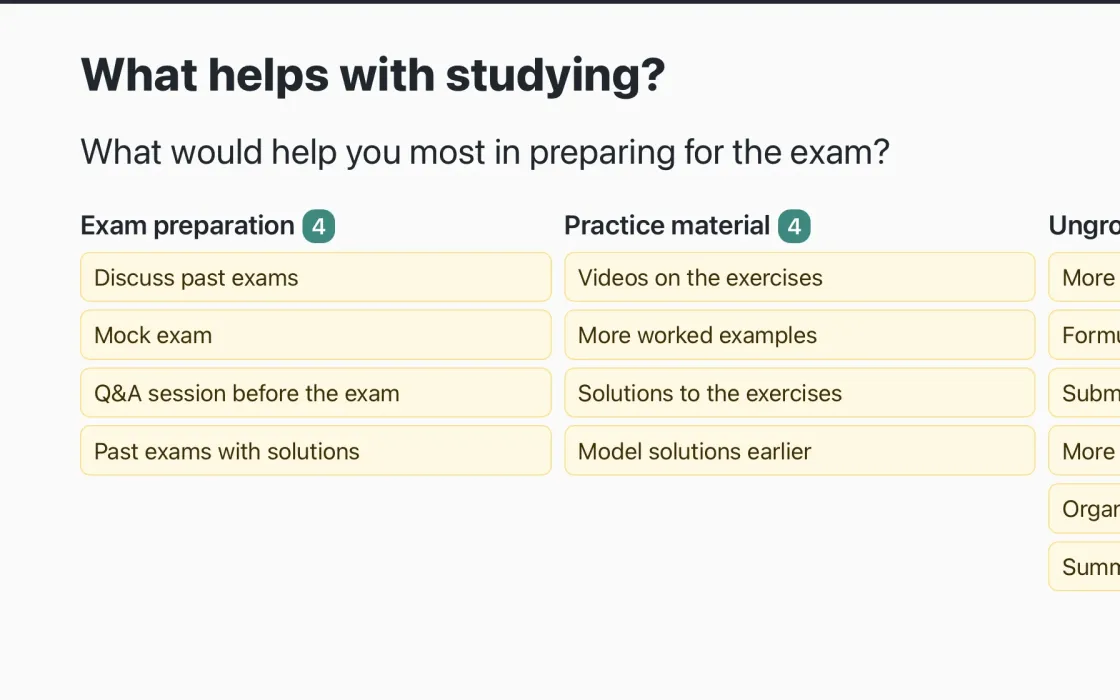
Idea wall
Idea wall
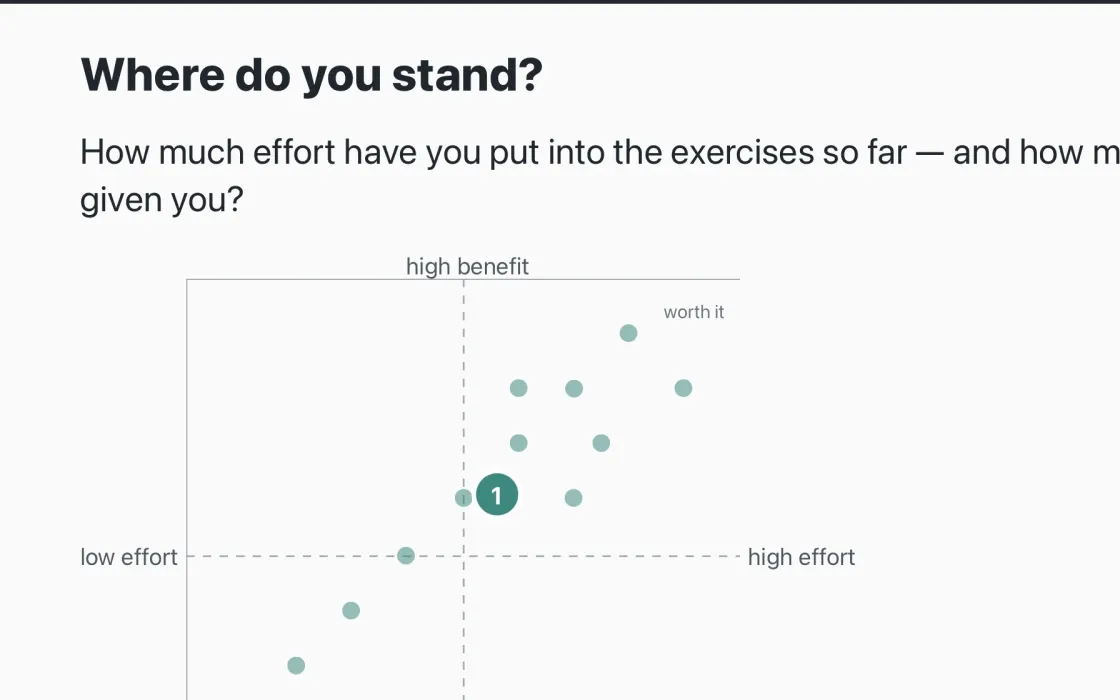
2×2 grid
One point per person · With elements
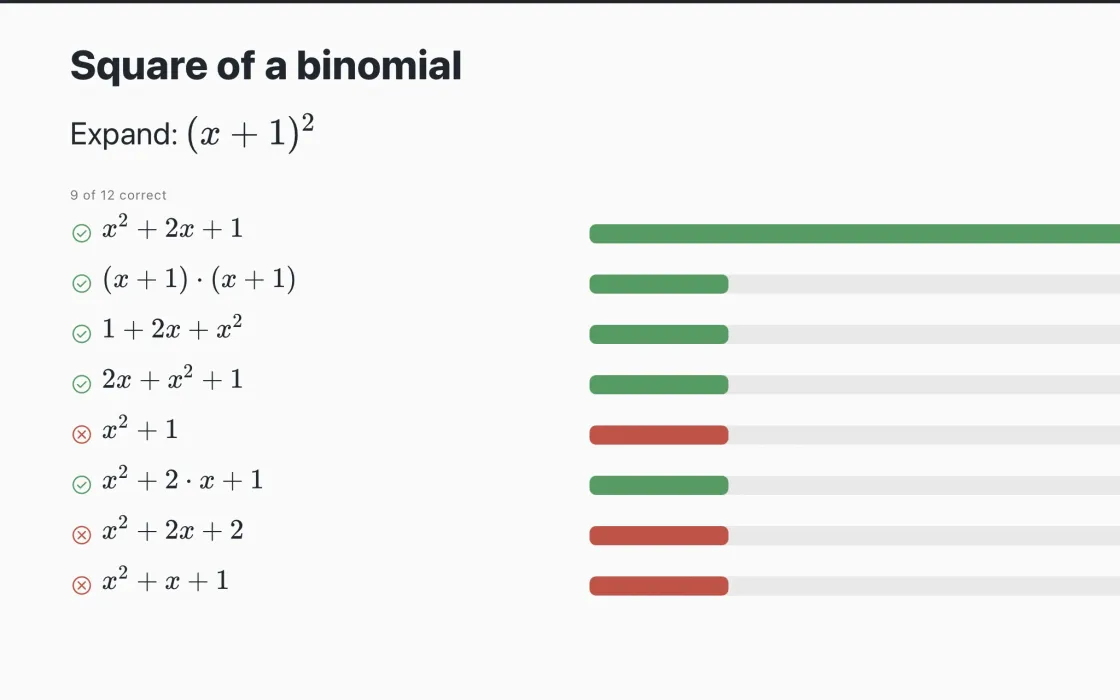
Formula
Formula
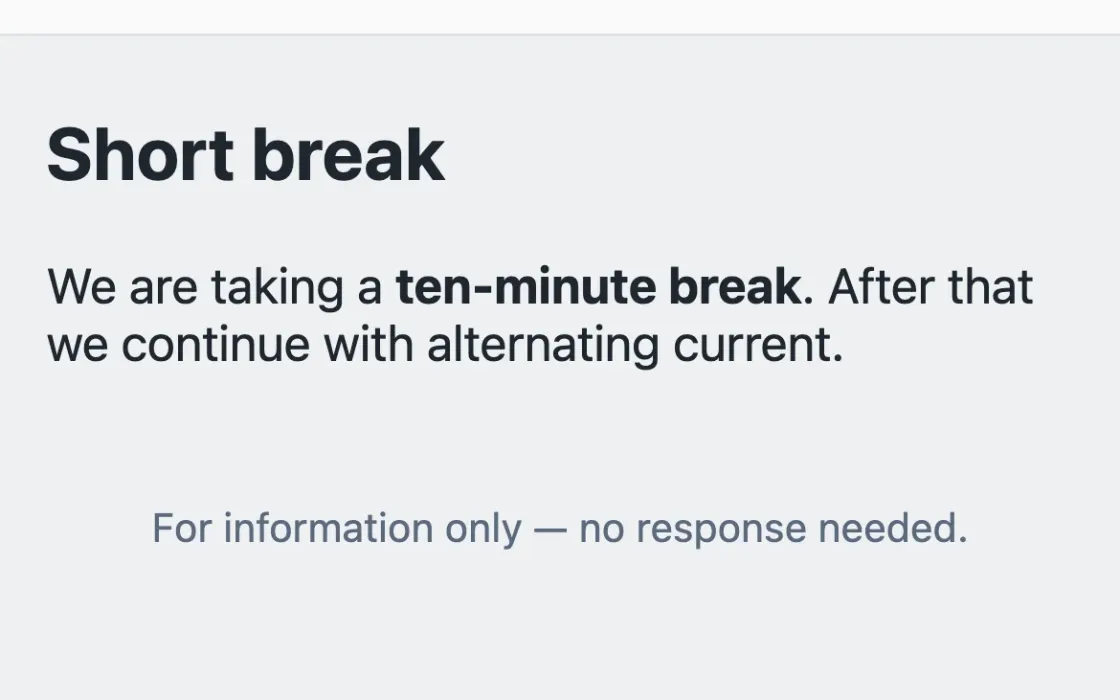
Notice
Notice without response · With link and QR code · With one button · With two buttons
In class
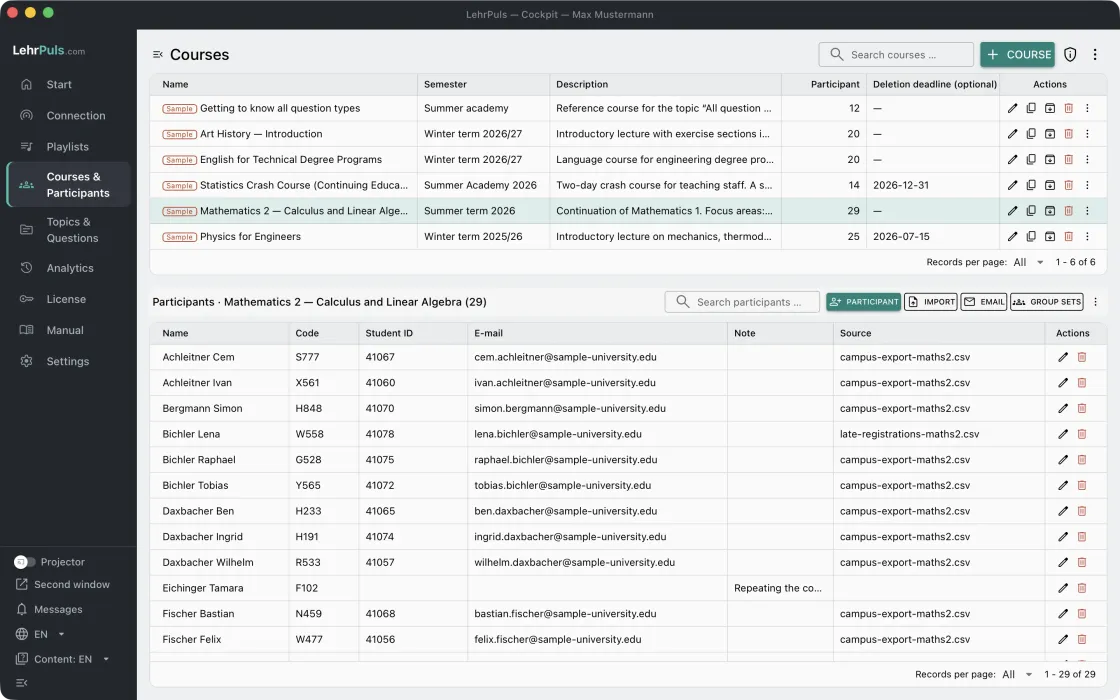
Courses and participants
Creating and using a course
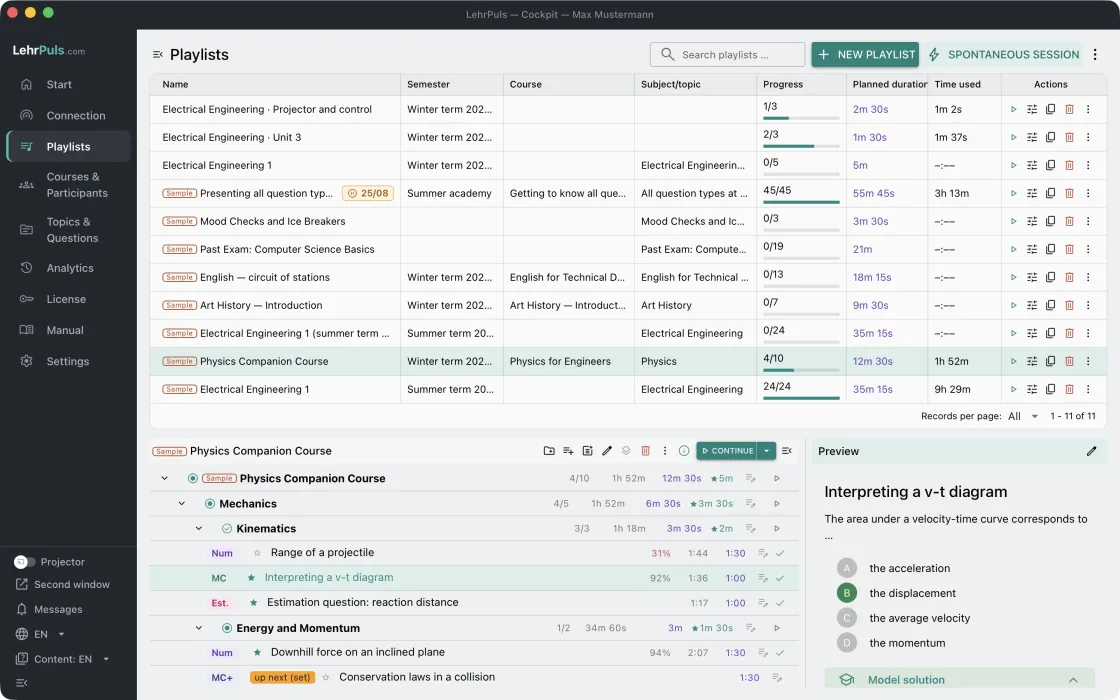
Playlists
Building a playlist
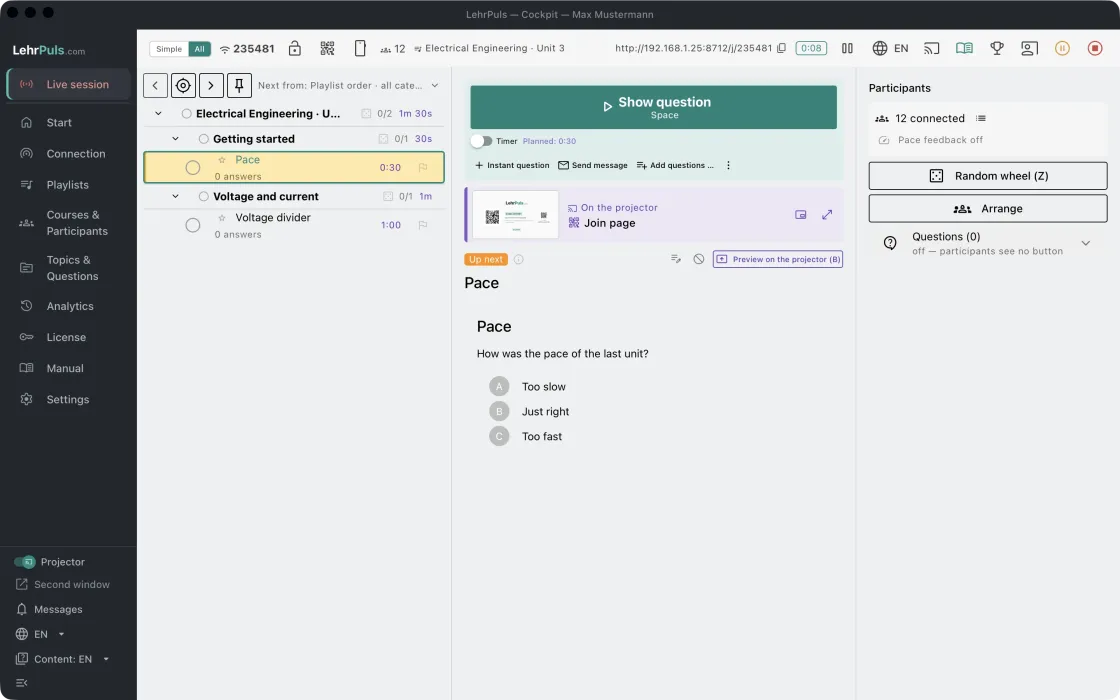
Running a session
How a session runs
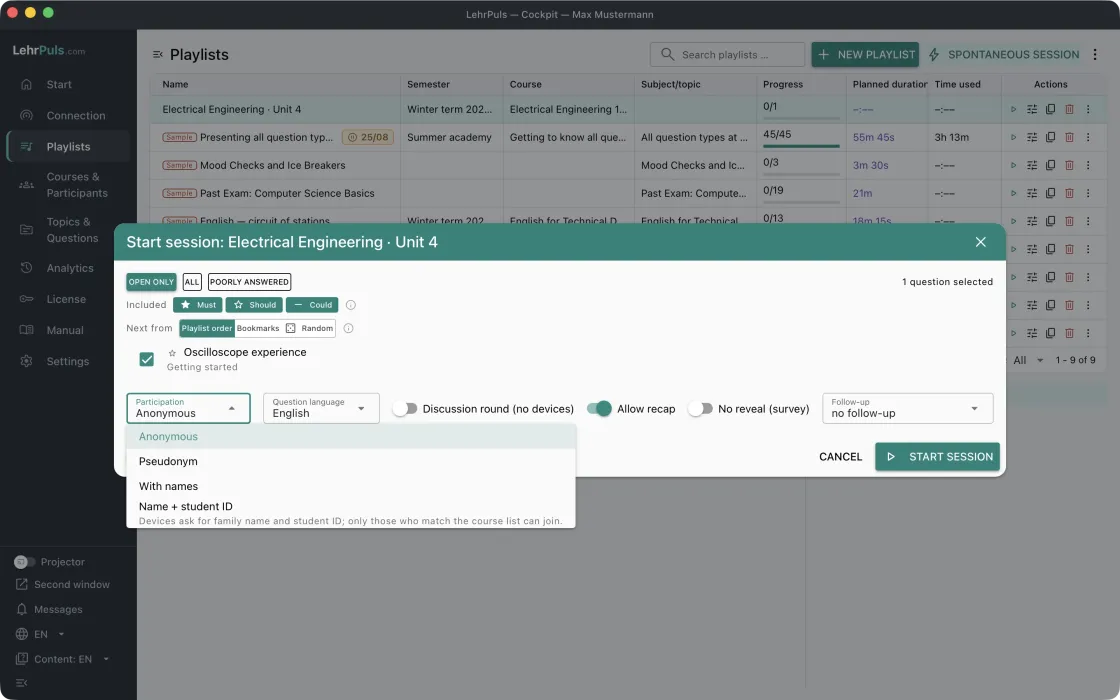
More tools during a session
Join modes, test run and spontaneous session · Questions, responses and messages · Peer instruction, ask again, remote · Recap, podium, pausing and resuming
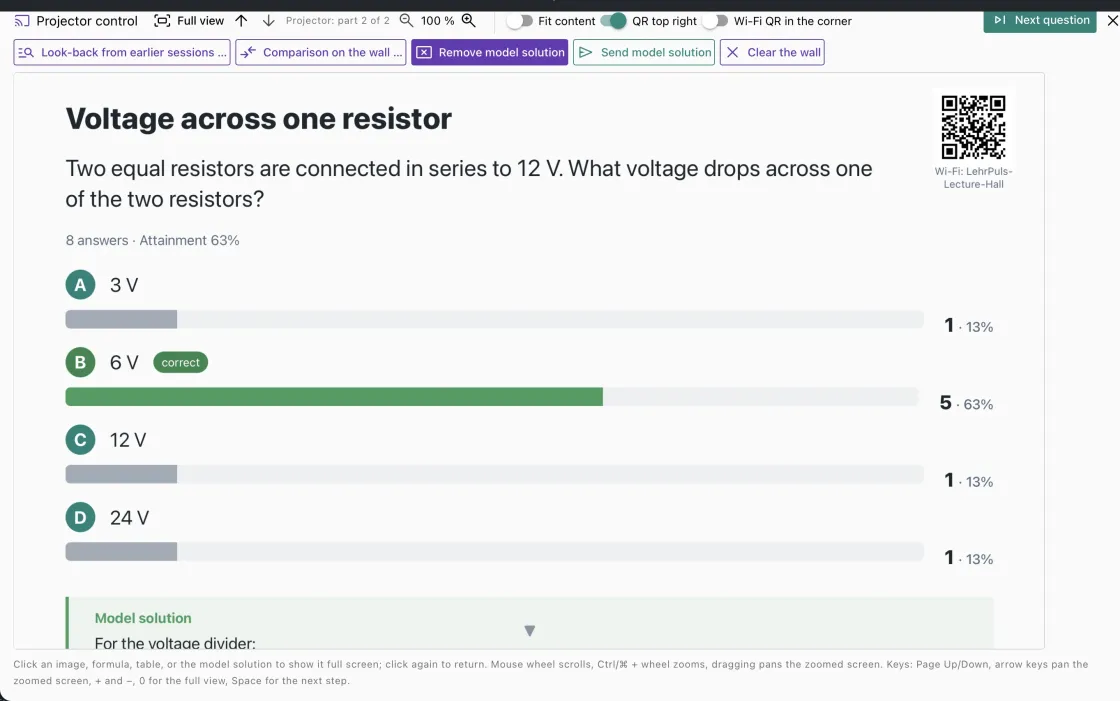
Projector, projector control and overlay
Projector window and projector control · Look-back and preview on the projector · Pause, presenting and ending the discussion · Discussion round without devices · Overlay on your own presentation
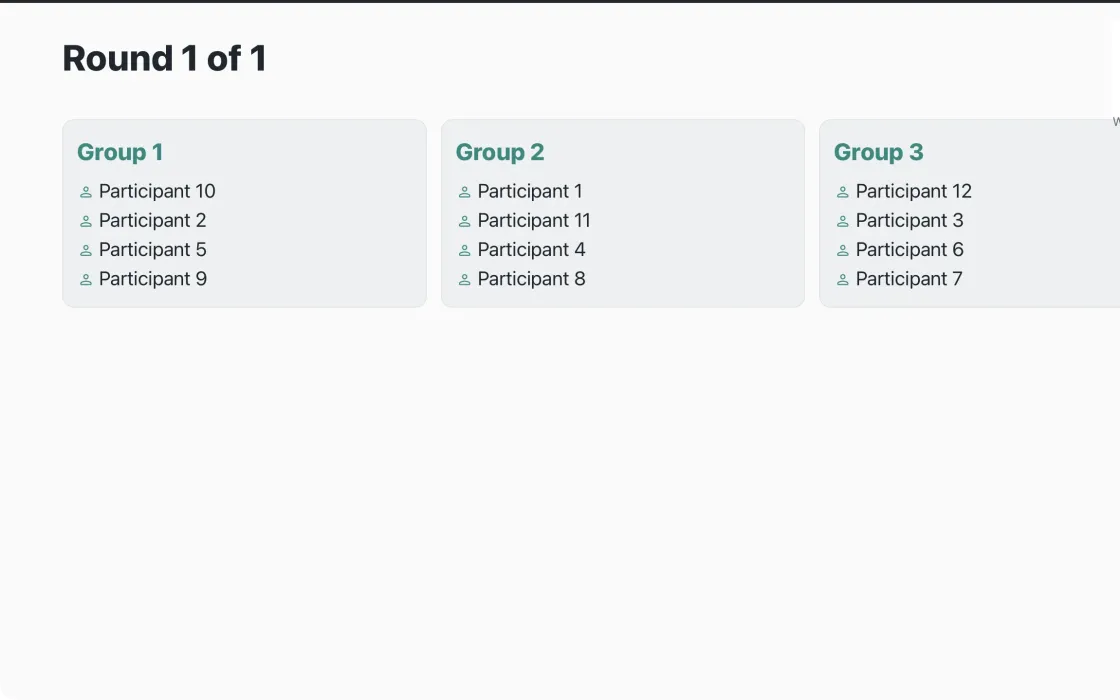
Group work
One shared question block for all groups · Stations mode: several question blocks in parallel